Wondershare Virbo Review: Can It Replace A Real Actor On Camera?


Wondershare Virbo Review: Can It Replace A Real Actor On Camera?
Introduction — What Is Wondershare Virbo?
AI video creation tools have exploded in popularity, promising faster production, lower costs, and zero camera anxiety. Instead of hiring actors, setting up lights, or redoing takes, creators can now turn simple scripts into polished videos with just a few clicks.
Wondershare Virbo fits right into this trend. It is an AI video generator designed to transform text into presenter style videos using virtual avatars. With features like text-to-video, AI avatars, script to video conversion, and multilingual voice options, Virbo aims to make video creation accessible to marketers, educators, and small teams.
That said, Wondershare has recently announced changes to Virbo’s availability, and some versions have been discontinued. Existing users can still access certain functions, but new users should pay attention to the current product status before committing.
How Wondershare Virbo Works — From Script to Screen
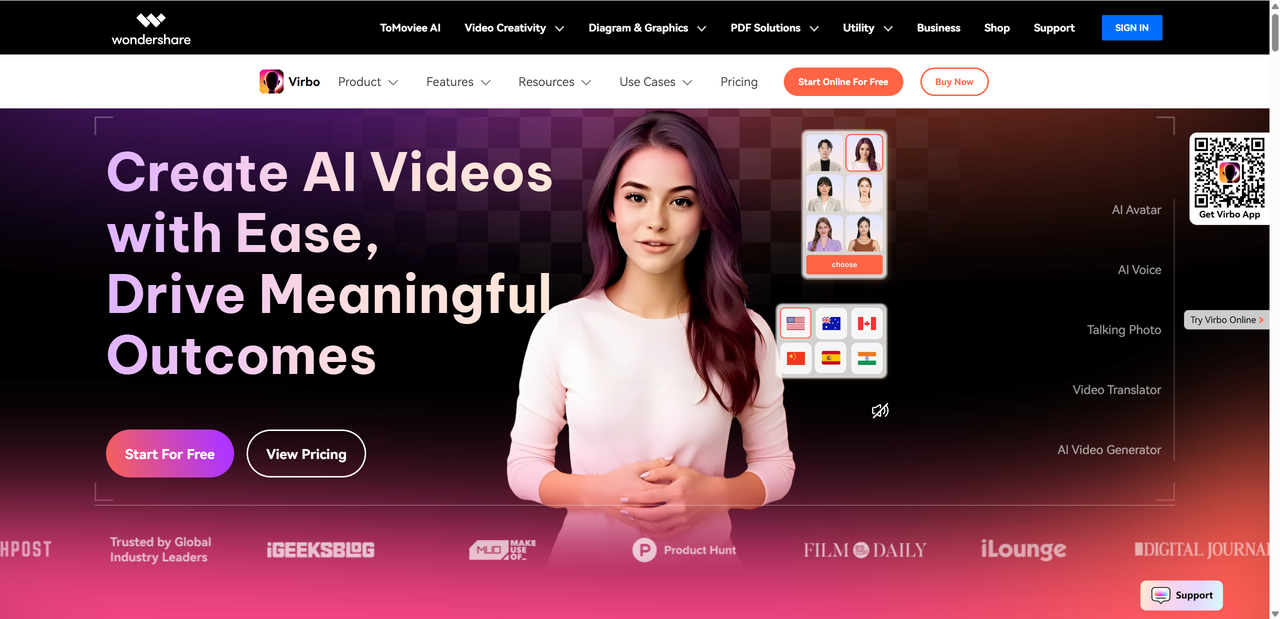
At its core, Wondershare Virbo follows a clean and beginner friendly workflow. You start with a written script and end with a talking avatar video that looks ready for social media, training, or product demos. No video editing experience is required, which makes it especially appealing to non-editors.
The interface guides users step by step, reducing decision fatigue while still offering enough customization to feel flexible. From avatar appearance to voice tone, most choices are made through simple dropdowns and previews.
Basic workflow checklist:
- Enter or paste your text script
- Choose an AI avatar that fits your message
- Select a voice and language
- Preview the generated video
- Export and share
For first time users, the learning curve is gentle. The platform focuses more on speed and clarity than advanced editing tools, which is exactly what many beginners are looking for.
Core Features Overview
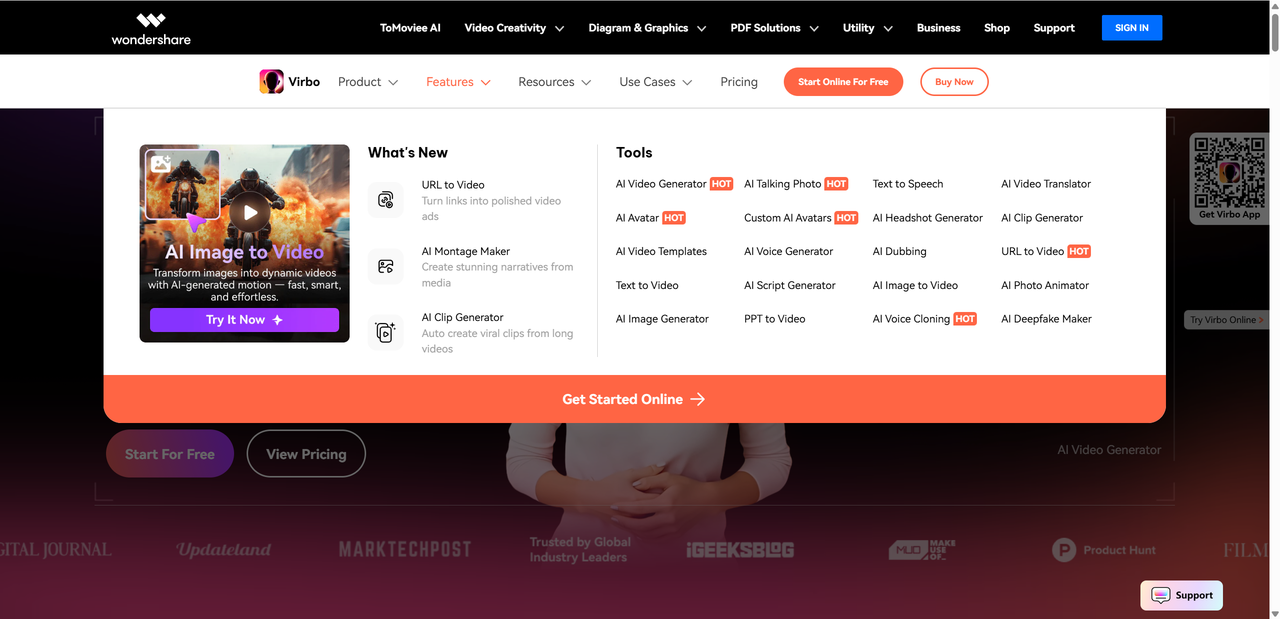
Wondershare Virbo focuses on doing a few things well rather than overwhelming users with complex editing panels. Its feature set is clearly built around speed, scale, and accessibility.
AI Avatars: Quantity & Quality
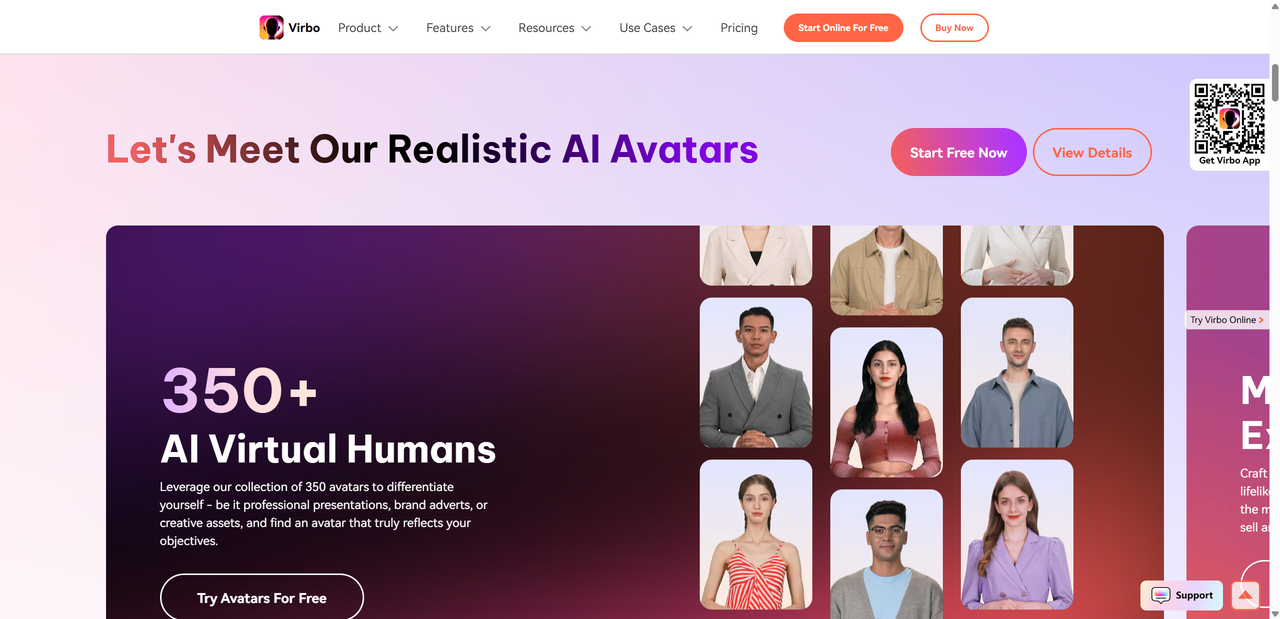
Virbo offers a large library of prebuilt AI presenters designed for business, education, and social content. These avatars vary in age, gender, ethnicity, and professional style, giving users plenty of choice for different scenarios.
| Feature | What It Offers |
|---|---|
| Avatars | 350+ lifelike faces |
| Languages | About 80+ options |
| Voices | 400+ natural text to speech voices |
In terms of quality, the avatars look polished and professional at first glance. Facial movements and lip sync are generally accurate, especially for shorter scripts. However, like most template based avatars, emotional depth is limited. They excel at explainer content but still lack the subtle expressions of a real human presenter.
AI Voice & Language Capabilities
Virbo’s voice engine is one of its strongest features. Voices sound clear, natural, and suitable for corporate or educational use.
Voice highlights include:
- Adjustable speaking speed and tone
- Male and female voice options
- Regional accents for global audiences
- Support for multilingual content creation
This makes it easy to localize videos without rerecording audio.
Script & Content Generation Features
Beyond simple text input, Virbo includes an AI script generator, image to video tools, and ready made templates. It also supports voice cloning and automatic translations, which can save time for recurring content.
Exporting & Editing Tools
Users can preview videos, adjust avatar positioning, and add background music. Export options are straightforward, though advanced timeline editing and custom animations remain limited compared to full video editors.
Virbo AI Generator in Action — Use Cases
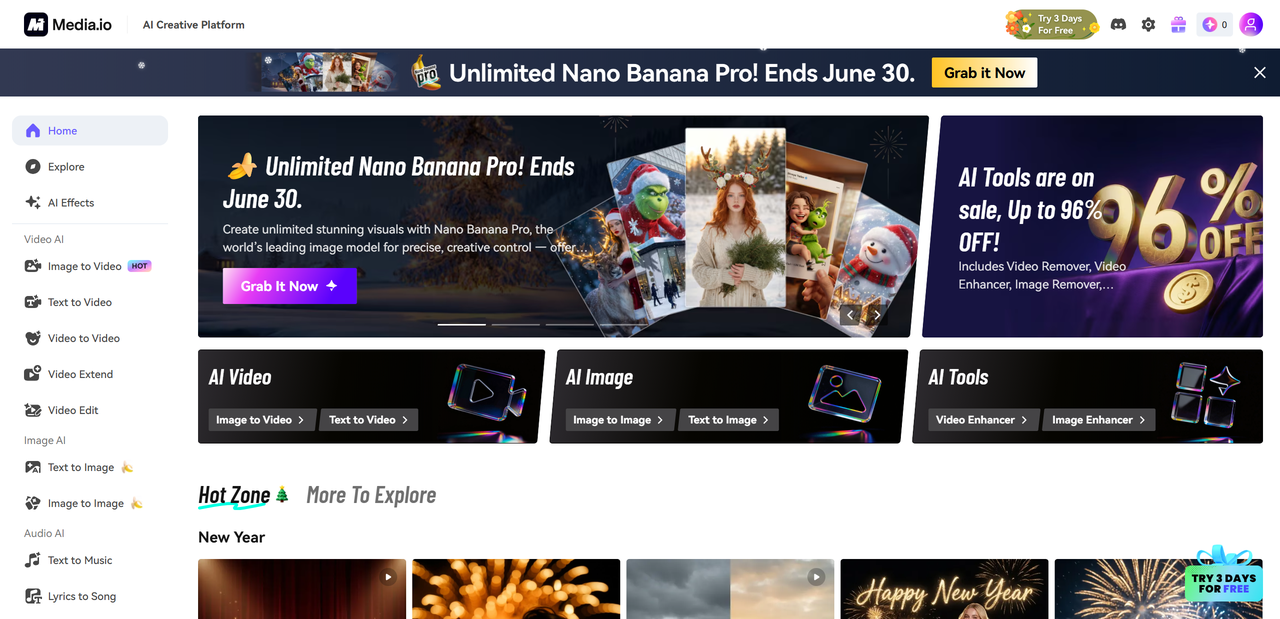
In real world testing, Wondershare Virbo performs best when the goal is fast, repeatable communication rather than creative storytelling. Its strength lies in turning short scripts into clean, presenter style videos with minimal setup.
Who benefits most?
| Role | Best Use Case |
|---|---|
| Content Creators | Faceless explainer and review videos |
| Marketers & Brand Teams | Product introductions and updates |
| Educators & Trainers | Micro lessons and onboarding clips |
| Social Media Managers | High volume short form video content |
To better understand how Virbo works in practice, here are a few simple test prompts and the results they produce:
- Prompt: E-commerce product video ad for a minimalist smartwatch. Clean, white background studio shot. Close-up of the watch on a wrist, showing the screen lighting up with notifications. Smooth rotation to showcase the metallic frame and interchangeable leather band. Water droplets bead on the screen to demonstrate water resistance. Soft, dramatic lighting, sharp focus, smooth slow-motion. Style: premium Apple-esque aesthetic.
- Result: The video delivers a clean product showcase with smooth rotation, clear lighting, and visible water effects, though motion feels slightly templated.
- Prompt: TikTok-style skincare ad for a “glow serum”. Shot of a smiling woman with dewy, radiant skin applying a dropper of golden serum to her cheek. Macro close-up of the serum droplet absorbing instantly into the skin, followed by a before/after transition showing enhanced glow. Product bottle stands elegantly next to a plant. Bright, clean lighting, vibrant colors, upbeat background music. Text overlay: “Instant Radiance”.
- Result: The avatar delivers the message clearly with good lip sync and steady pacing. Visuals look professional, though facial expressions remain neutral.
Overall, Virbo performs reliably for simple, presenter-led AI videos where clarity matters more than emotional expression.
Pros & Cons — What’s Great and What Needs Work
Like most AI video tools, Wondershare Virbo comes with clear strengths and a few trade offs.
Advantages
- Very easy to use, even for non technical users
- Large library of avatars and voices to choose from
- Strong multi lingual support for global content
- Fast production without cameras or recording gear
For beginners and small teams, Virbo removes many barriers to video creation. You can go from script to finished video in one sitting.
Limitations
- Some avatars can feel robotic or visually generic
- Advanced features are locked behind paid plans
- Requires a stable internet connection to function smoothly
- Service changes and discontinuation may affect long term reliability
The biggest drawback is realism. While the avatars look decent, they still lack natural emotion and spontaneity. Additionally, users should be cautious about long term use given recent product status changes.
Overall, Virbo works best as a productivity tool rather than a creative replacement for real actors.
Pricing Breakdown — Free & Paid Plans
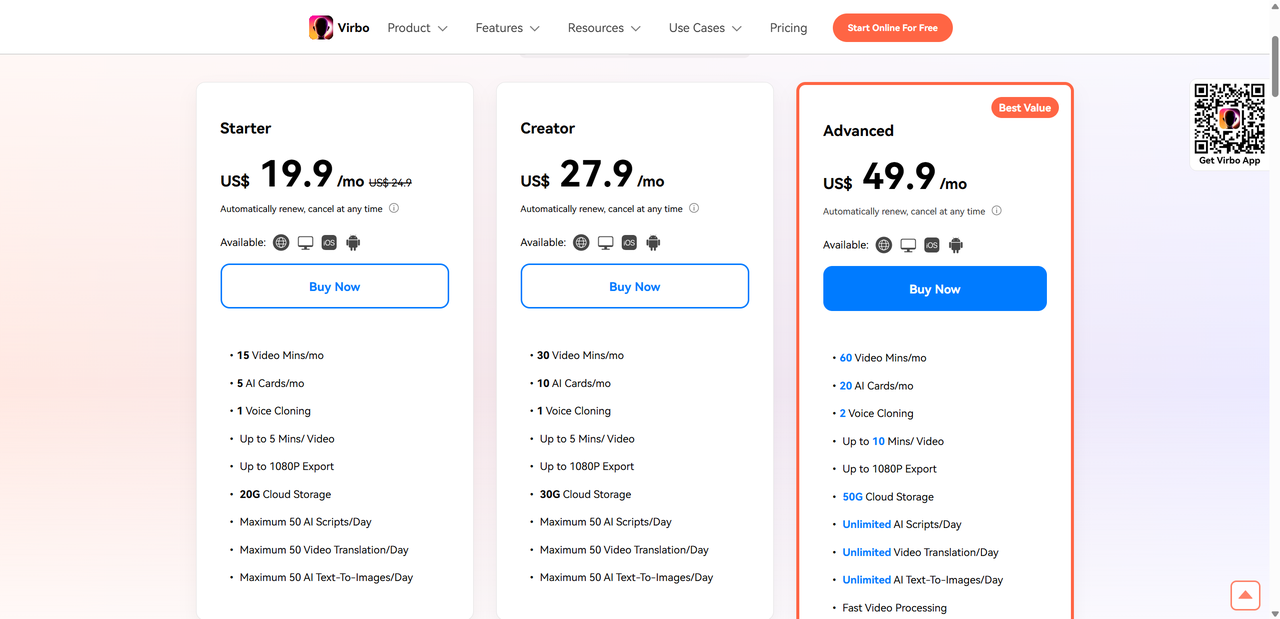
Virbo’s pricing has varied depending on where you look and how plans are structured, but most sources agree there’s a free tier and multiple paid options tailored to frequent video creators.
Pricing Chart
| Plan | Approx. Cost | What You Get |
|---|---|---|
| Free/Trial | $0 | Limited credits, basic avatars, short video duration |
| Monthly | ≈ $19.90/mo | 15+ video minutes, no watermark, 1080p export, cloud storage |
| Annual Essential | ≈ $44.90/yr | 45 mins/year video credits, unlimited script time |
| Annual Pro | ≈ $199/yr | 300 mins/year video credits, full feature access |
What you get in each plan:
- Free tier: a quick way to test core features before committing.
- Monthly plan: regular access for light creators or small teams.
- Annual plans: better value if you need more video time and professional export perks.
Keep in mind Virbo’s service status may affect availability of these plans.
Virbo vs Traditional Actors — Can It Really Replace On-Camera Talent?
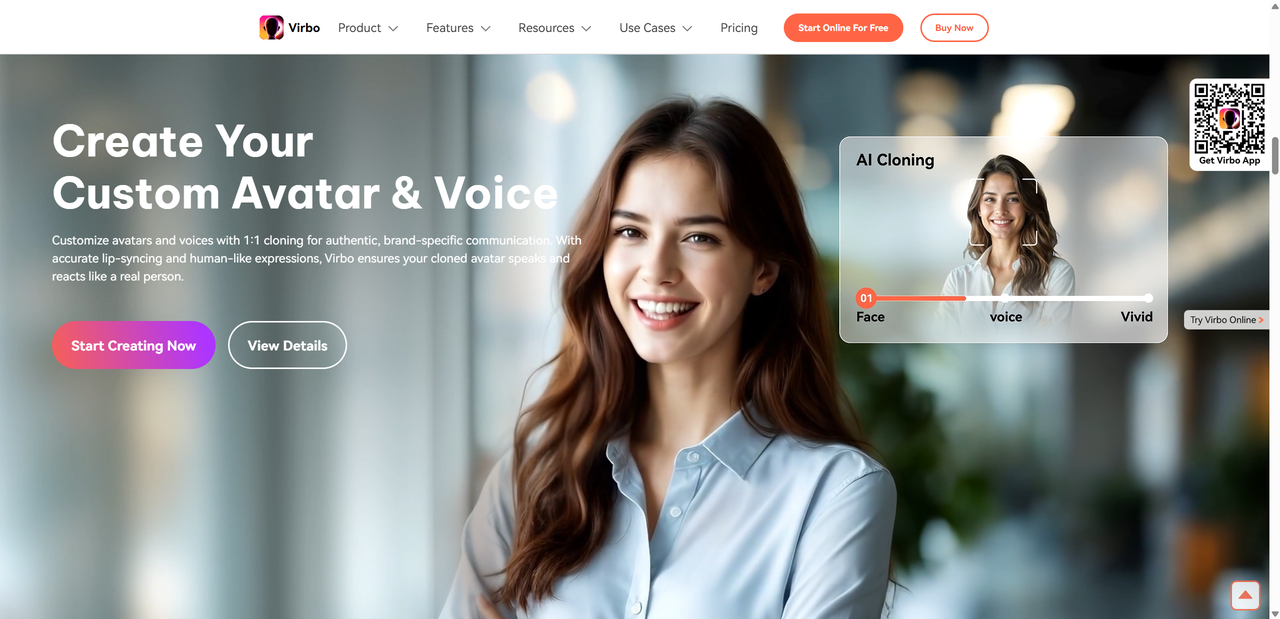
When comparing AI avatars like Virbo’s to real human presenters, the differences are clear in cost, speed, and emotional depth.
Cost & Time: AI avatars are far cheaper than hiring actors, studio time, and production crews. Creating a video with Virbo can take minutes once you have a script, while shooting with humans involves scheduling, setup, and revisions. There’s no need for lighting, retakes, or voice sessions — just text and clicks.
Control & Consistency: With Virbo, you get predictable delivery every time. Avatars speak exactly the way you script them, with consistent timing and tone, which is great for explainer videos, tutorials, onboarding clips, or routine announcements where clarity matters more than charisma.
Emotional Depth & Nuance: However, real actors still hold the edge for nuanced performances. When you need emotional range, subtle expressions, or brand storytelling that leans on personality and presence, a human on camera remains unmatched.
Best Scenarios for Virbo:
- Explainer videos
- Training and educational content
- Quick social media clips
- Localized content with multilingual voices
Best Scenarios for Real Actors:
- Brand storytelling
- Emotional engagement and character work
- Complex scripts requiring improvisation
Quick Comparison:
AI Avatar
- Fast & affordable
- Predictable delivery
- Limited emotional nuance
Real Actor
- Deep expressiveness
- Human connection
- Higher cost & time investment
In short, Virbo is a powerful tool for informational and functional video content, but it’s not yet a full replacement for the craft and impact human talent brings to the screen.
Final Verdict — Who Should Use Virbo?
Wondershare Virbo is best viewed as a practical production tool rather than a creative miracle. It is ideal for creators, marketers, educators, and small teams who need clean, professional videos without the cost, time, or pressure of appearing on camera. If your goal is to explain, teach, announce, or demonstrate, Virbo can save hours and significantly reduce production expenses.
That said, it is not a perfect solution. The avatars still feel somewhat scripted, and recent changes to the product’s availability mean it may not be a long term platform for everyone. Creators looking to diversify their toolkit should also consider Lovart AI and so on as capable parallel choices.
So, can it replace real actors? In specific contexts like tutorials, explainers, and multilingual content, yes. For emotionally rich storytelling or brand driven performances, human actors still win. Virbo works best as a smart complement, not a total replacement.

Share Article